 Core 3D Viewer
Open and inspect
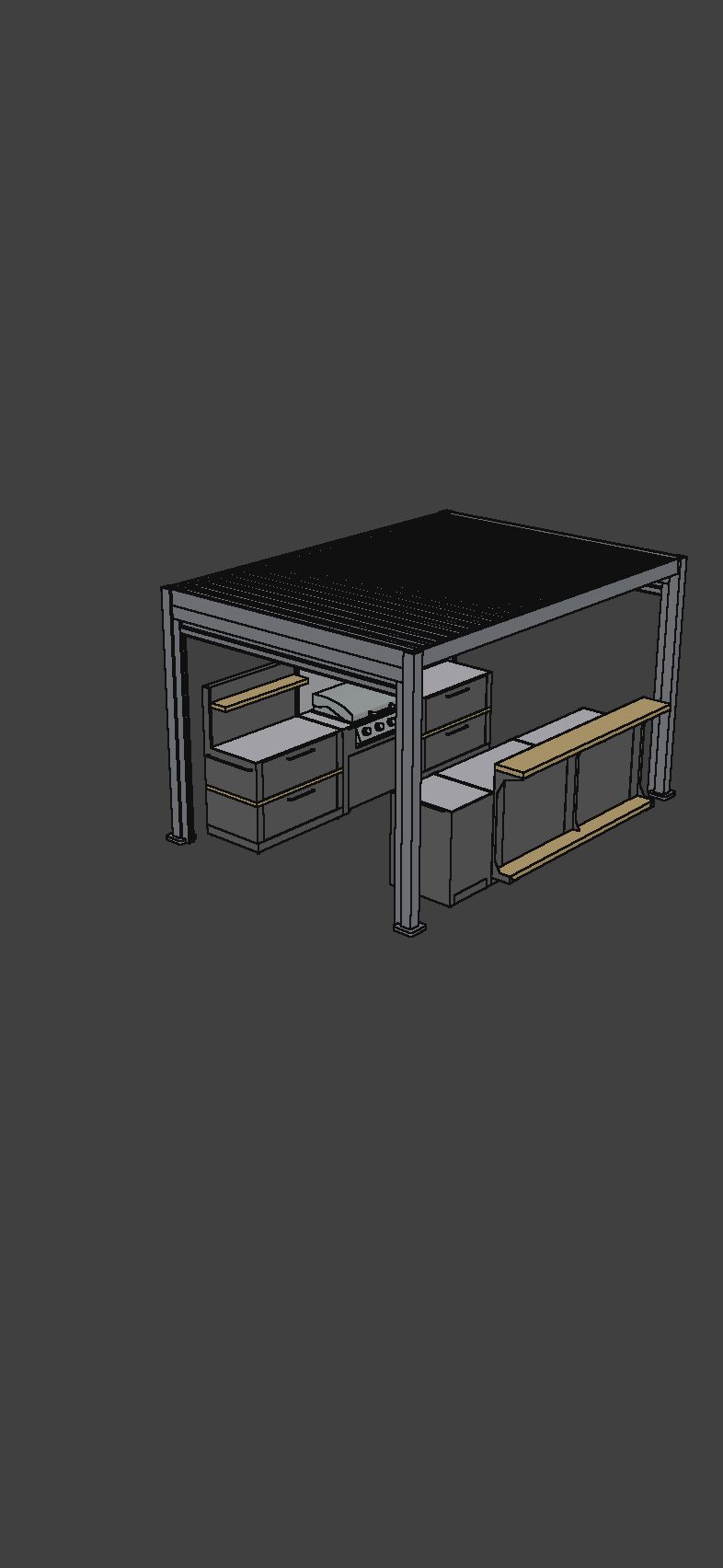
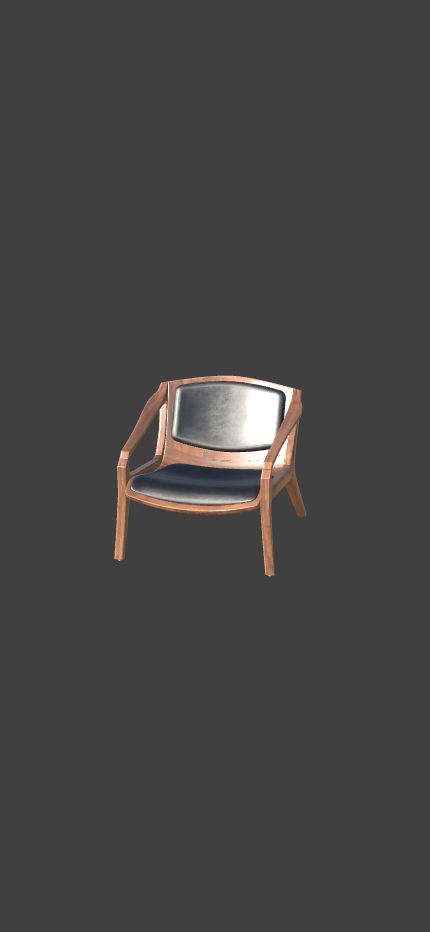
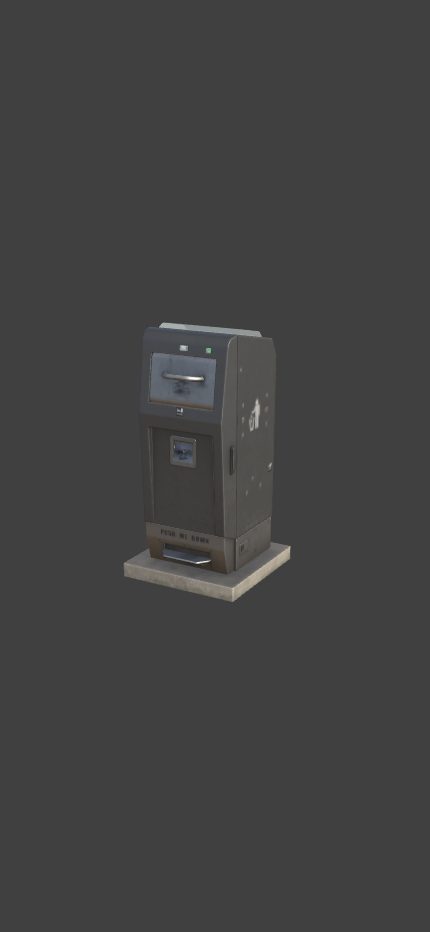
Import supported 3D files, rotate and zoom, and explore their shape and materials. Keep the models you need in your iPhone library
Furniture, CAD parts, game assets or scan meshes. Open your files on iPhone and send a link anyone can explore in a browser
Free download · iPhone, iOS 17+
No account needed to get started
 On your computer?Scan with your iPhone camera
Use cases
See how Core 3D Viewer fits your work
Present the design, explain the dimensions and show the details to your client
Explore furniture workflowsBring parts and assemblies to a review, with the measurements that matter
Explore CAD workflowsGive props and environment assets a closer look, then share a view with your team
Explore game art workflowsTake an exported scan mesh onto your phone and share it in an interactive view
Explore scan workflowsFrom a file to a conversation
Import supported 3D files, rotate and zoom, and explore their shape and materials. Keep the models you need in your iPhone library
Add dimensions, isolate parts and create saved views with Pro. Try the tools on the included demo models before upgrading
Send an interactive browser link or present on your phone. Use AR in the iPhone app to place a copy of the model in your space
How it works
Save a supported file to Files and import it into Core 3D Viewer
Explore the model, choose its appearance and add dimensions or focused views with Pro
Create a share link and send it to a client or teammate. They open the model in a browser without an app or account
From your files to your phone
Import from Files on iPhone and keep your models together in one library
Free & Pro
Explore your own files for free. Upgrade when your presentation needs dimensions, focused views and more active links
$0
$39.99 / year · US price
*Yearly trial for eligible new subscribers. Subscriptions renew automatically unless cancelled. Prices and offers vary by region; confirm them in the app before purchasing. US prices checked October 13, 2026. Link size limits apply to the complete uploaded package. Updating a link does not extend its expiry
Try it yourself
A useful place to start
Good to know
No. Furniture, CAD, game assets and scan meshes use the same Core 3D Viewer app. Choose the page that matches your work for relevant formats and instructions
No. A share link opens an interactive, read-only presentation in a browser. The recipient can explore the model and included dimensions and saved views without an app or account
Free links last 7 days; Pro links last 30 days. Updating a model keeps the same URL and expiry date. You can delete a link from the app
Creating a share link uploads the presentation package. SKP import separately uploads your file for temporary online conversion. Other supported formats are processed on your device
Yes. Try dimensions and isolation tools on the demo models included in the app. Creating dimensions and managing saved views on your own models requires Pro
AR shows the model in your space without dimension annotations. Use the regular iPhone viewer or a browser share link to present measurements
Need a hand? Visit Support ↗
Your next model, ready to show
Start with your own file, or explore the models already in the app
Download on the App Store