 Core 3D Viewer
Your 3D files, on iPhone
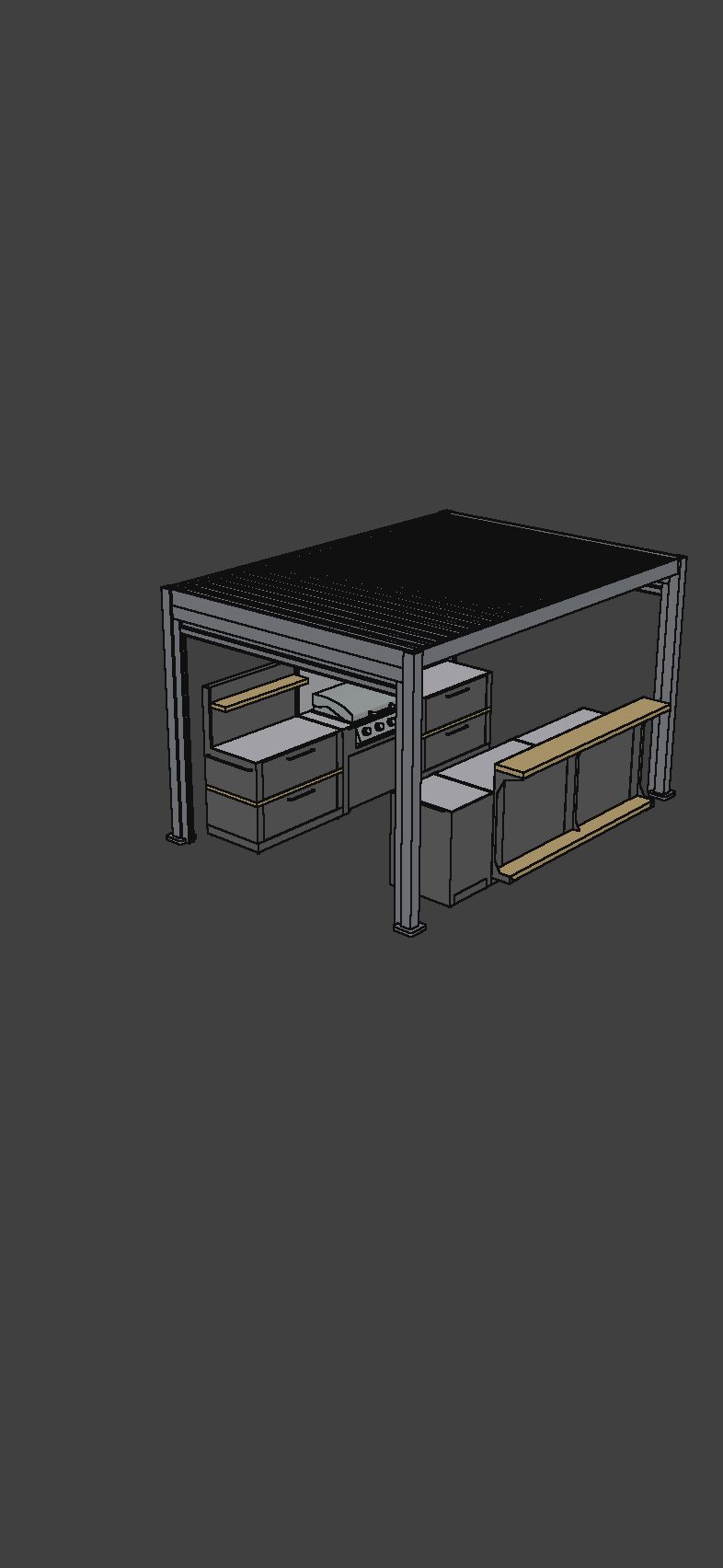
Rotate, zoom and inspect your work. Choose original materials or a clean Blueprint view, and show or hide parts of the model
Open your model on iPhone. Add dimensions and saved views with Pro. Send a link your client can explore in a browser — no app or account needed
Free download · iPhone, iOS 17+
Try dimensions on the included demo models for free
 On your computer?Scan with your iPhone camera
Made for the conversation
Keep the shape, the important measurements and the details you want to discuss together
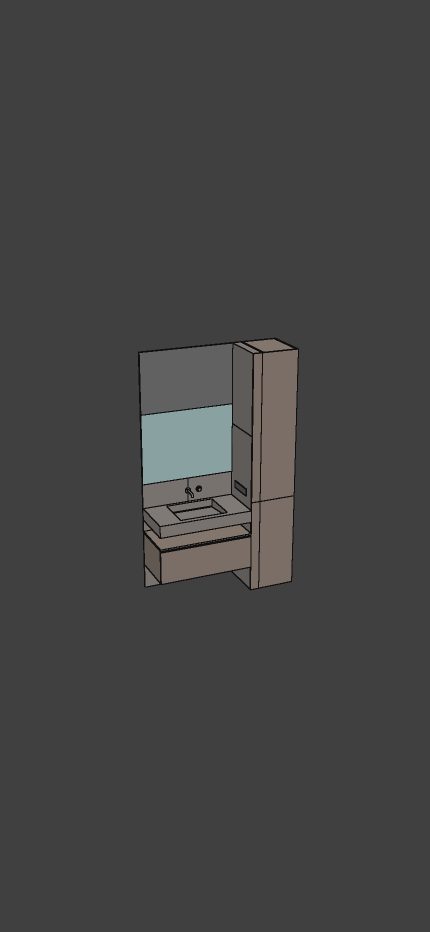
Rotate, zoom and inspect your work. Choose original materials or a clean Blueprint view, and show or hide parts of the model
Add dimensions that snap to geometry. Isolate a part and save a view, so your client can follow your presentation one detail at a time
Share an interactive browser presentation with dimensions and views. Or use AR on your iPhone to see the model in a real room
How it works
Import a supported 3D file from Files into your iPhone library
Add dimensions and saved views with Pro. Try the tools on our included demos first
Send a browser link, present on your phone, or place the model in AR. Dimensions stay in the regular and browser views
Bring your own model
From CAD geometry to textured furniture, open the files you already work with
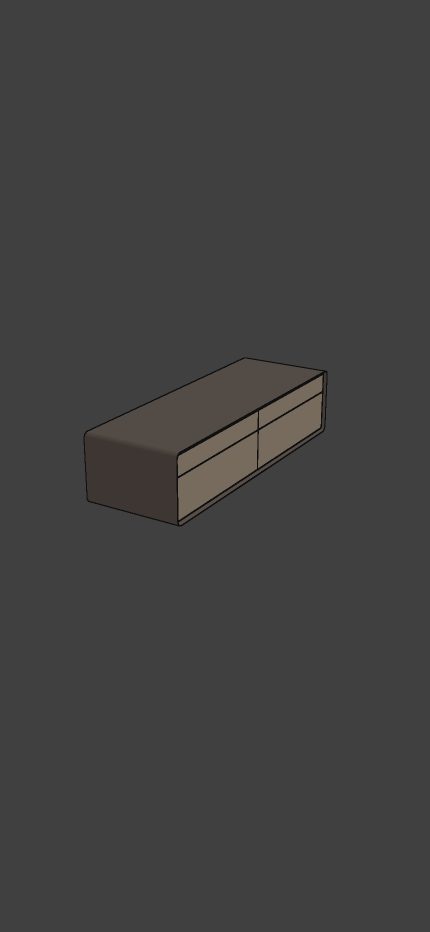
Explain proportions, joinery and individual parts before a client signs off
Bring your SKP model to your iPhone and share a presentation from the app
Inspect STEP geometry and communicate the dimensions that matter
Free & Pro
Explore your own files for free. Upgrade when your presentation needs dimensions, focused views and more active links
$0
$39.99 / year · US price
*Yearly trial for eligible new subscribers. Subscriptions renew automatically unless cancelled. Prices and offers vary by region; confirm them in the app before purchasing. US prices checked October 13, 2026. Link size limits apply to the complete uploaded package. Updating a link does not extend its expiry
Try it yourself
A useful place to start
Good to know
No. A share link opens a read-only presentation in a browser, with the model, dimensions and saved views you included. No app or account is needed
Free links last 7 days; Pro links last 30 days. Update Model keeps the same URL and expiry date. Delete Link removes access. On Free, creating a link for another model replaces your previous active link after confirmation
Creating a share link uploads the model package, including dimensions, scene settings and preview images. SKP import separately uploads your file for temporary online conversion. Other supported model formats are processed on your device. Read our Privacy Policy for details
Yes. Dimensions and isolation tools are available on the demo models included in the app. Creating dimensions and managing saved views on your own models requires Pro
AR shows a copy of the model in your space without dimension annotations. Use the iPhone viewer or a browser share link to show measurements and saved views
Core 3D Viewer is a viewing and presentation tool. It does not replace your modelling software or edit the original CAD features or SketchUp design
Need a hand? Visit Support ↗
Let your work speak
Start with your own file, or explore the models already in the app
Download on the App Store